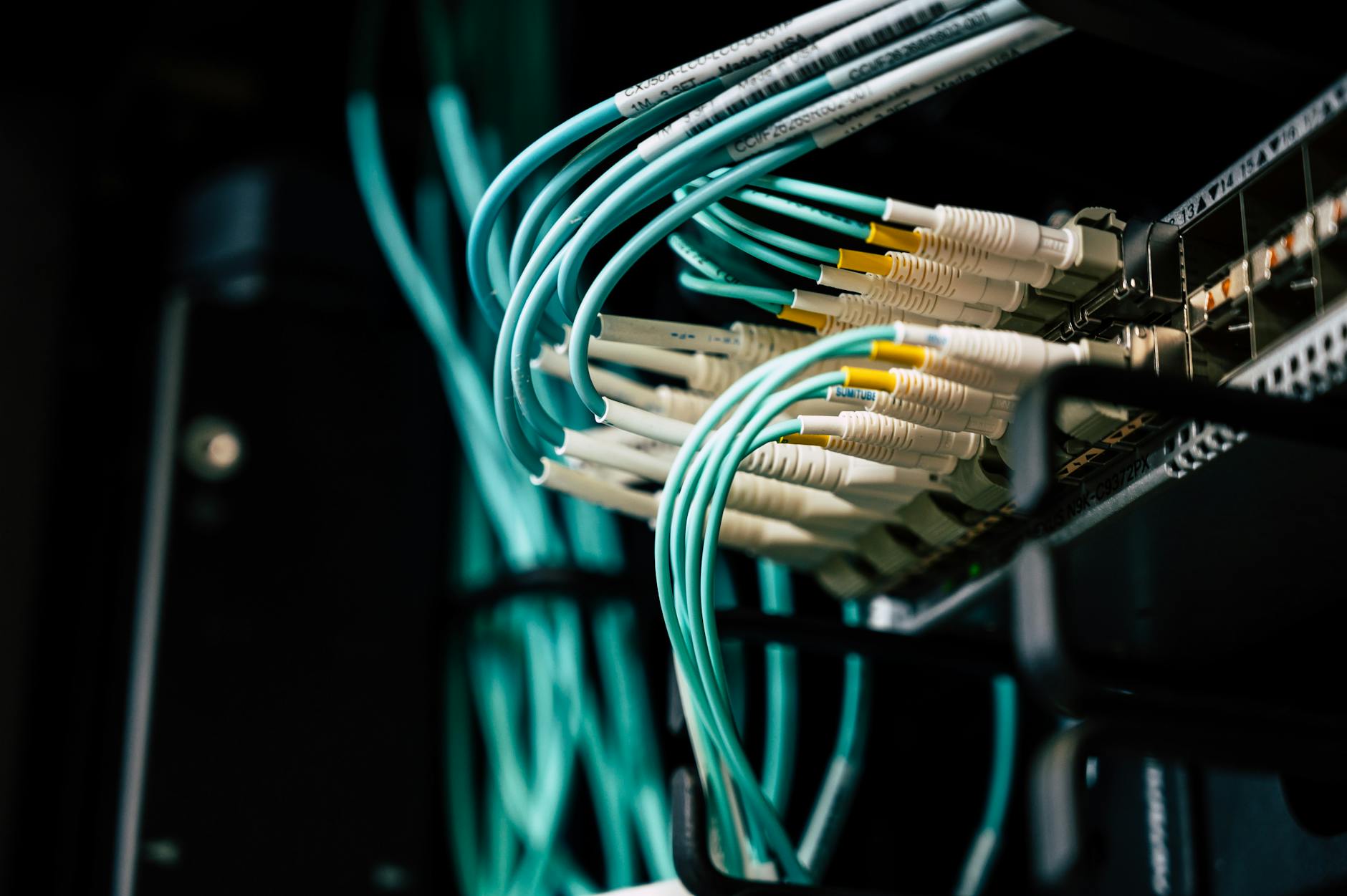
For developers, tech entrepreneurs, and business owners, the ability to run serverless locally has revolutionized the landscape of web development. This innovative approach eliminates the need for traditional server management. It allows professionals to focus on building applications without infrastructure concerns. Understanding how to run serverless locally is crucial for testing and development efficiency. This article dives deep into the processes, tools, and strategies to achieve this.
- Install a serverless framework like AWS SAM or Serverless Framework for local simulation.
- Use Docker to emulate cloud environments on your local machine.
- Configure environment variables to mimic production settings accurately.
- Test functions locally with built-in emulators before deployment.
- Leverage plugins for enhanced local debugging and monitoring.
- Integrate with CI/CD pipelines for seamless transitions to production.
- Document local setups to ensure team consistency and scalability.
Why Serverless Matters in Web Development
Serverless computing has become a cornerstone for modern web development. It offers scalability and cost-efficiency that traditional servers often lack. Developers find serverless architectures ideal for building microservices and event-driven apps. This model reduces operational overhead, which is a significant advantage for tech entrepreneurs.
Business owners also benefit from serverless solutions. They can launch products faster without heavy infrastructure investments. The pay-per-use model aligns with budget-conscious strategies. This makes serverless a preferred choice for startups and established firms alike.
For those exploring how to run serverless locally, the motivation is clear. Local environments allow testing without cloud costs during development phases. This practice ensures bugs are caught early, saving time and resources. It also builds confidence before deploying to live environments.
Serverless fits perfectly within the web development category. It empowers teams to innovate rapidly in a competitive digital space. Professionals can experiment with new features without risking production systems. This flexibility is invaluable for staying ahead in tech-driven markets.
Tools to Run Serverless Locally
Setting up a local serverless environment requires the right tools. Developers often start with frameworks like AWS Serverless Application Model (SAM). This tool simulates AWS Lambda and API Gateway on local machines. It's a go-to for those working within the AWS ecosystem.

As an Amazon Associate, we earn from qualifying purchases.
Another popular option is the Serverless Framework, which supports multiple cloud providers. Tech entrepreneurs appreciate its flexibility across platforms like Azure and Google Cloud. This framework simplifies learning how to run serverless locally with plugins. These extensions enhance debugging and testing capabilities.
As an Amazon Associate, we earn from qualifying purchases.
Docker also plays a critical role in local serverless setups. It containers cloud services, mimicking production environments closely. Business owners managing tech teams find Docker useful for consistency. It ensures developers work in identical setups, reducing deployment errors.
Additionally, tools like LocalStack emulate AWS services offline. This is ideal for testing without internet dependency or cloud costs. Developers can replicate complex architectures locally with ease. For more on cloud tools, explore cloud and DevOps strategies.
Step-by-Step Guide to Local Serverless Setup
Getting started with how to run serverless locally begins with preparation. Developers should ensure Node.js and npm are installed on their systems. These are prerequisites for most serverless frameworks. Without them, local emulation won't function properly.
Next, install a framework like AWS SAM or Serverless Framework. Use the command line to download and configure it. Tech entrepreneurs can delegate this to their teams for efficiency. Clear documentation helps streamline this initial setup process.

Once installed, create a sample serverless project. Define functions and events in a configuration file, often YAML format. Test these functions locally using built-in emulators. This step ensures code behaves as expected before cloud deployment.
Finally, set environment variables to match production settings. This replicates real-world conditions for accurate testing. Business owners benefit from this precision in development cycles. It minimizes risks when scaling applications to larger audiences.
Common Challenges and Solutions
Running serverless locally isn't without hurdles for developers. One frequent issue is mismatched environments between local and cloud. This can lead to unexpected behavior during deployment. Thorough testing with tools like LocalStack often resolves this.
Another challenge is limited offline capabilities for some services. Certain cloud features don't emulate well on local machines. Tech entrepreneurs must plan for hybrid testing in such cases. Combining local and minimal cloud usage can bridge this gap.
Debugging locally also poses difficulties due to complex setups. Logs and error messages may differ from cloud outputs. Developers can use plugins for better visibility into local runs. These tools help pinpoint issues quickly and effectively.
Business owners should encourage teams to document solutions. This builds a knowledge base for future projects. Overcoming challenges in how to run serverless locally boosts efficiency. It also ensures smoother transitions to live environments over time.
Best Practices for Local Serverless Development
Adopting best practices is essential for effective serverless development. Developers should always version control their local setups. Tools like Git help track changes in configuration files. This prevents loss of critical settings during iterations.
Another key practice is modular code design. Break functions into smaller, reusable components for easier testing. Tech entrepreneurs value this for faster feature rollouts. Modular setups also simplify maintenance for growing applications.
Regularly update local tools and frameworks as well. Outdated versions can cause compatibility issues with cloud services. Business owners must allocate time for these updates in project plans. Staying current ensures seamless integration when deploying.
Lastly, simulate real user loads during local tests. Tools like Artillery can mimic traffic for stress testing. This prepares applications for actual usage scenarios. Mastering how to run serverless locally with these practices drives success.
Resources for Further Learning
Expanding knowledge on serverless setups is vital for professionals. Developers can explore documentation on platforms like MDN Web Docs. This resource offers insights into web technologies supporting serverless. It's a trusted starting point for technical growth.
Another excellent source is W3C for standards in web development. Understanding these guidelines helps align serverless projects with best practices. Tech entrepreneurs can use this to ensure compliance. It also builds credibility with clients and stakeholders.
Online communities and forums are equally valuable. Platforms like Stack Overflow host discussions on how to run serverless locally. Developers share real-world solutions and troubleshooting tips there. Engaging in these spaces fosters continuous learning.
Business owners should encourage teams to leverage these resources. Investing in skill development pays off in innovation. Staying informed about serverless trends keeps companies competitive. This proactive approach strengthens market positioning over time.
For trusted web development resources, visit MDN Web Docs and W3C. For authoritative guidance, refer to the NPS and NPS websites.
Frequently Asked Questions
How do I start running serverless applications locally?
Starting to run serverless applications locally requires a few key steps. Developers should first install a framework like AWS SAM or Serverless Framework. Ensure Node.js and npm are set up on the system as prerequisites. Next, create a basic project and configure functions using YAML or JSON files. Test these functions with local emulators to verify behavior. For deeper insights, explore how to run serverless locally through detailed guides online.
What tools are best for local serverless development?
Several tools stand out for local serverless development among tech professionals. AWS SAM is popular for simulating Lambda and API Gateway environments. The Serverless Framework offers flexibility across multiple cloud providers. Docker and LocalStack are also critical for emulating cloud services offline. Each tool has unique strengths depending on project needs. Learning how to run serverless locally with these options boosts efficiency significantly.
Can I test serverless functions without internet access?
Yes, testing serverless functions offline is entirely possible with the right setup. Tools like LocalStack emulate cloud services without needing an internet connection. Developers can configure these tools to mimic AWS or other environments accurately. This approach saves on cloud costs during early development stages. It also ensures testing continues in remote or restricted network conditions. Offline capabilities make this field accessible in diverse scenarios.
Why does my local serverless setup fail to match production?
Mismatches between local and production environments are common in this industry. Often, environment variables or service configurations differ slightly between setups. Developers should double-check these settings for consistency across stages. Using Docker can help replicate cloud conditions more accurately on local machines. Regular testing and logging also highlight discrepancies early on. Addressing these gaps ensures smoother deployments over time.
How can I debug serverless functions on my local machine?
Debugging serverless functions locally requires specific tools and strategies. Start by using plugins within frameworks like Serverless for enhanced logging. Developers can also integrate IDE debuggers for step-by-step code analysis. Ensure logs are detailed to capture errors unique to local environments. Comparing these with cloud outputs helps identify root causes. Consistent debugging practices improve outcomes in these roles significantly.
Final Thoughts
Mastering how to run serverless locally offers immense value for developers and entrepreneurs. It streamlines web development by reducing costs and risks during testing phases. The tools and steps outlined provide a clear path to efficient local setups. This empowers tech teams to innovate with confidence.
For business owners, adopting serverless locally translates to faster market delivery. Encouraging teams to explore resources like programming insights can further enhance skills. Staying ahead in this dynamic field requires continuous learning and adaptation.
Take action today by setting up a local serverless environment. Experiment with the frameworks and best practices discussed. This investment in knowledge will yield scalable, cost-effective solutions for future projects.